Ouroboros
or-uh-bore-us
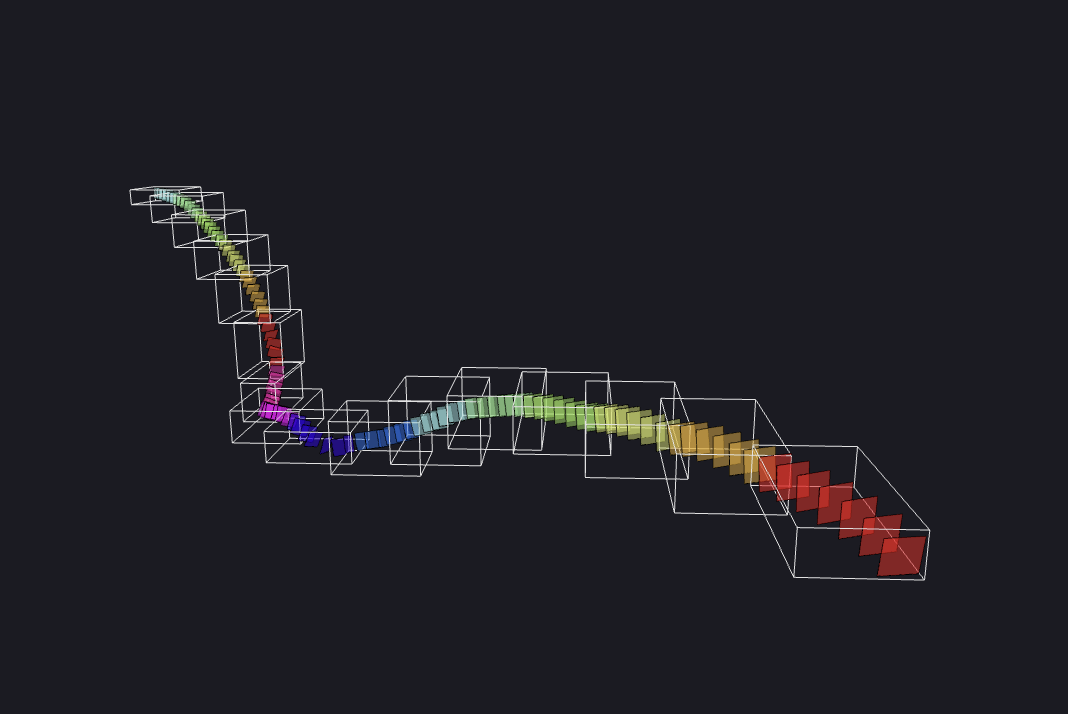
Extract ROIs from cloud-hosted medical scans.
Ouroboros is a desktop app (built with Electron) and a Python package (with a CLI).
The desktop app uses Docker to build and run its Python server. For this reason, Docker is required to run Ouroboros.
If you are interested in using the Python package for its CLI or for a custom usecase, check out the python folder in the main repository.
Ouroboros also has a Plugin System. Plugin servers are also run in Docker.
Usage Guide
It is recommended that you read these pages in order.
Reference
- Technical Constants - hardcoded file explorer limits and plugin broadcast behavior.
Large Folder Behavior
The Ouroboros File Explorer is designed to open scan and output folders directly, but it is not a general-purpose file browser. It loads subfolders on demand: opening a folder shows only that folder's direct entries, and subfolder contents stream in when you expand each subfolder. When you point it at a folder that contains many files or deeply nested subfolders, the following behavior applies:
- Only the root's direct entries are loaded up front. Nested subfolders are loaded and watched only when you expand them.
- Collapsing a subfolder keeps its state and watcher alive for a short window (thirty seconds by default) so quickly re-expanding is free. If you leave it collapsed past that window, the underlying watcher is torn down and the subfolder's cached children are dropped from renderer state; re-expanding later behaves like a fresh load.
- The panel stops loading new paths after one hundred thousand visible entries across all currently open watchers. When this happens, Ouroboros shows a warning toast asking you to pick a smaller folder or expand the folder in smaller pieces.
node_modules,__pycache__,venv, and any directory whose name starts with.are always skipped.
See Technical Constants for the exact values, why they were chosen, and when to adjust them.
Ouroboros Explanation
A user of Ouroboros may have a multi-terabyte volumetric scan, hosted with the Neuroglancer family of tools (i.e. cloud-volume).
Perhaps there is a long, relatively sparse structure (ROI), like a nerve or a blood vessel that crosses the entire scan. Even with a well-equipped computer, it would be difficult to segment the entire stucture in one pass due to RAM limitations.
Ouroboros provides a solution. A user first traces the structure in Neuroglancer with sequential annotation points, and then saves the JSON configuration to a file.
Ouroboros opens this configuration file and cuts rectangular slices along the annotation path, producing a straightened volume with the ROI at the center of each slice (usually much smaller than the original scan).
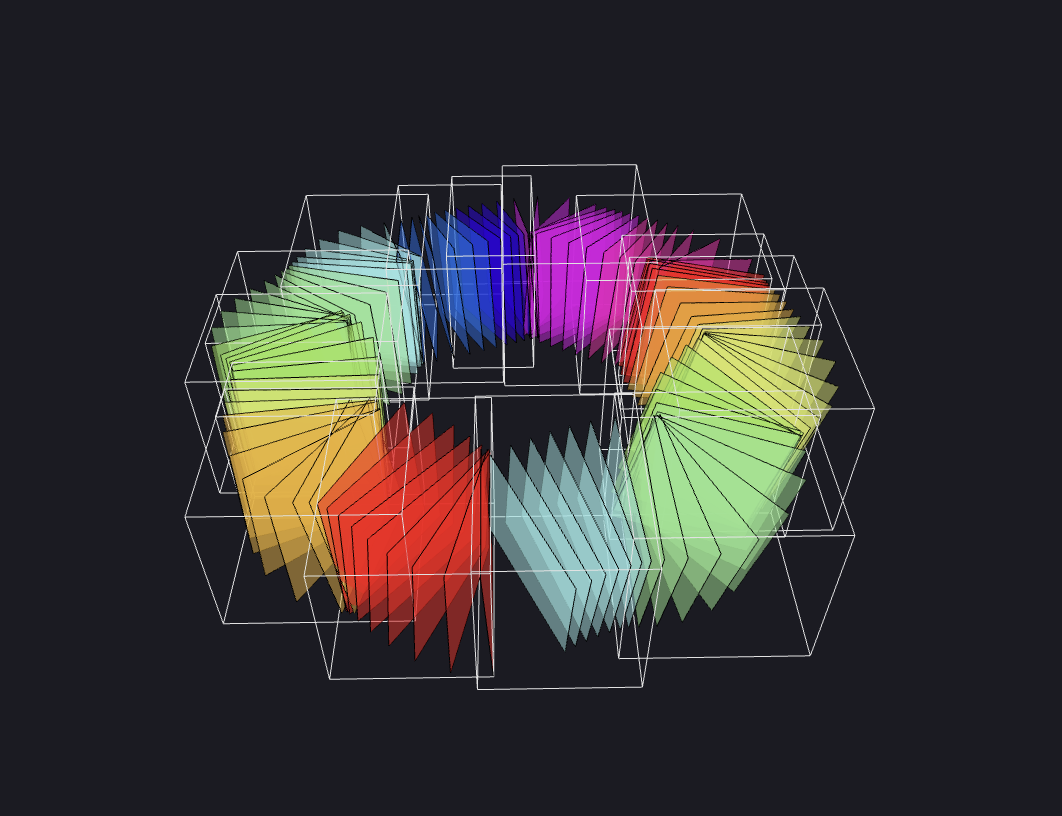 Every tenth slice in a circular annotation path, rendered in Ouroboros's Slicing Page.
From there, the user segments the much smaller straightened volume with their choice of segmentation system. Then, Ouroboros backprojects the segmented slices into the original volume space (unstraightens it), producing a full segmentation.